> ## Documentation Index
> Fetch the complete documentation index at: https://developers.autocaption.io/llms.txt
> Use this file to discover all available pages before exploring further.
# Introduction
> Guide to start using AutoCaption API
API available starting from the [Expert
Plan](https://app.autocaption.io/pricing)
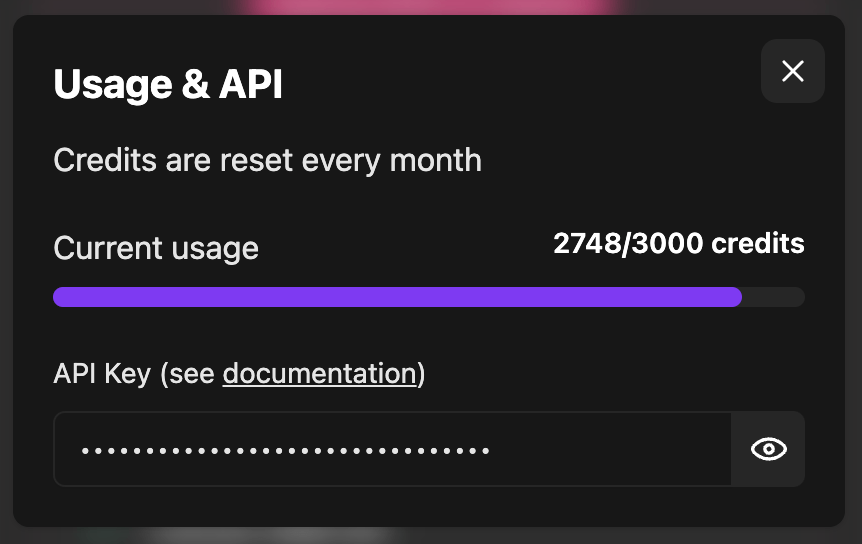
## How to get your API Key
On the Application: [AutoCaption](https://app.autocaption.io), top right Profile > Usage & API
 ## Authentication
All API endpoints are protected. You must use header authentication
```json theme={null}
x-api-key: your_secret_key
```
## Authentication
All API endpoints are protected. You must use header authentication
```json theme={null}
x-api-key: your_secret_key
```